ResearchOps Product Proof
Walk through a realistic research project from setup to decision impact before you sign in.
This public walkthrough uses a static mock project called Example: Public Services Accessibility Audit . It shows the product value without loading live project records, raw notes, participant contact details or restricted team material.
The demonstration project
A service team needs to understand why people using assisted digital support are abandoning an accessibility audit journey. ResearchOps keeps the plan, safeguards, evidence, reusable learning and delivery decisions connected.
Example: Public Services Accessibility Audit
- Lead researcher
- Jane Doe (Mock Lead)
- Service phase
- Discovery to alpha handover
- Decision to support
- Whether to change eligibility guidance and the audit upload flow before alpha build.
- Publication boundary
- Raw research material and participant data are restricted to authenticated users.
Why this is better than today's research admin
ResearchOps is for teams who are already doing the work, but doing it across disconnected documents, spreadsheets, slide decks, research boards and message threads. The product value is that the decisions, evidence and publication controls stay connected as the work moves from planning to reuse.
-
Less lost context
Project objectives, ownership, study readiness, consent, evidence, synthesis and impact live in one connected journey instead of being reconstructed from folders later.
-
Safer reuse
Reusable learning is separated from raw research material, then checked for provenance, consent scope, confidence and publication boundaries before it reaches the repository.
-
Clearer decisions
The platform records what the team chose, what they did not choose, and what changed as a result, so research can be judged by decision impact rather than activity volume.
Set up a research project
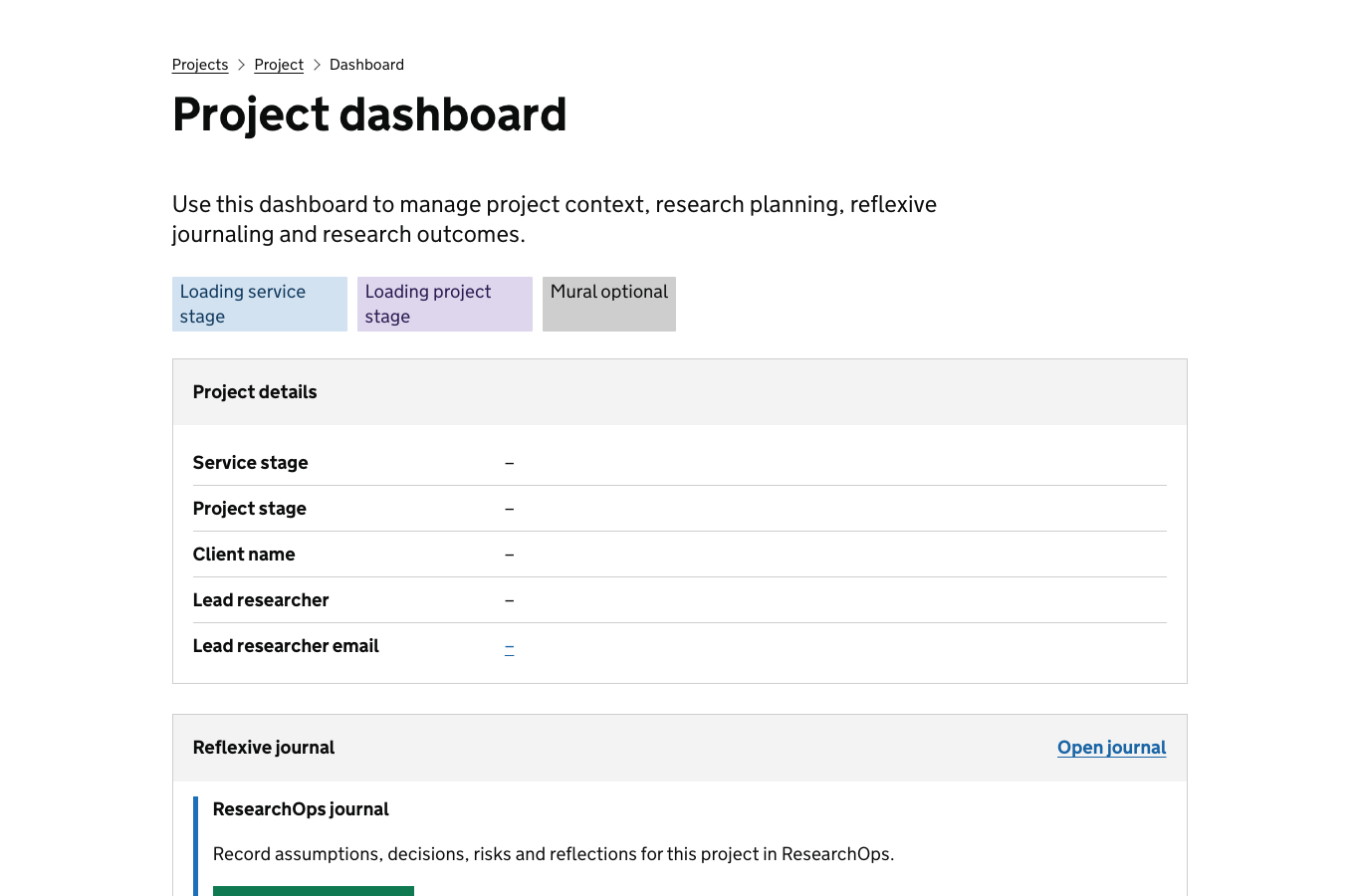
Mock screen: project setup
- Project name
- Public Services Accessibility Audit
- Objective
- Understand where users lose confidence when proving accessibility needs.
- Stakeholders
- Service owner, policy lead, accessibility specialist, content designer.
- Status
- Ready to plan study
What this proves
- research starts from a clear decision context, not a loose folder of notes
- service phase, ownership and objectives are visible from the beginning
- later studies, findings, recommendations and impact can all point back to the original need
| Decision the screen supports | Decision made in this example | Options available but not selected |
|---|---|---|
| Choose the project shape | Create a discovery-to-alpha research project for an accessibility audit journey. | Run a policy-only review, start a live-service optimisation project, or defer the work until a beta backlog exists. |
| Set ownership and accountability | Assign a lead researcher with service owner, policy, accessibility and content stakeholders. | Make the service owner the accountable lead, add a delivery manager as co-owner, or mark governance ownership as unresolved. |
| Define the decision context | Support a decision about eligibility guidance and the audit upload flow before alpha build. | Focus only on call-centre demand, only on content readability, or hold the decision until more quantitative evidence is available. |
Plan a study, recruitment, consent, ethics and guides
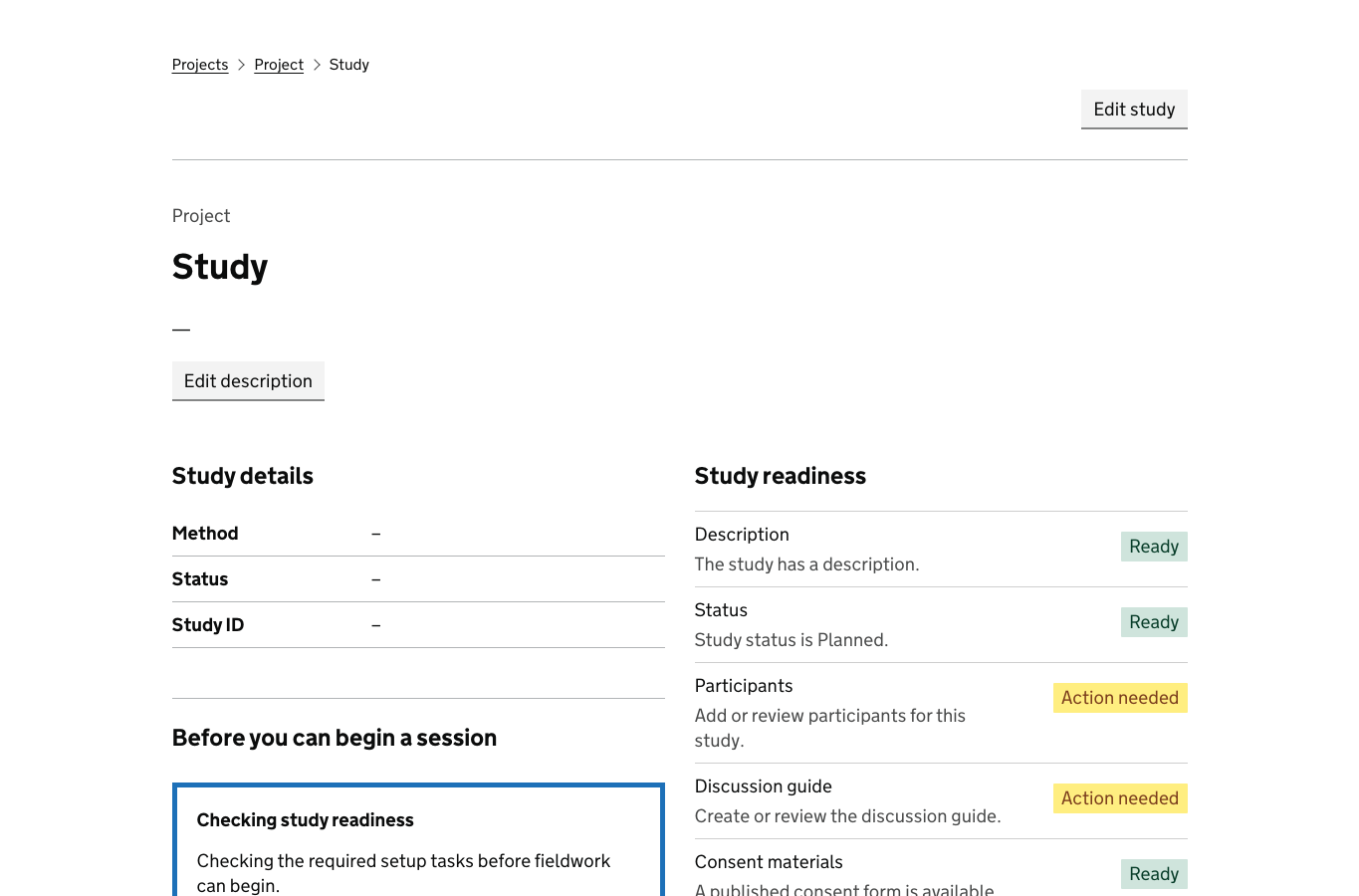
Mock screen: study readiness
-
Recruitment plan8 participants, including assisted digital users and screen-reader users.Ready
-
Informed consentPlain-English consent script and withdrawal route prepared.Ready
-
Ethics and safeguardingLow distress risk; accessibility adjustments logged.Review
-
Discussion guideScenario tasks, probes and observation prompts drafted.Ready
What this proves
- recruitment, informed consent, ethics and discussion guides are managed as visible readiness work
- the study cannot drift into fieldwork without showing what still needs review
- inclusive research decisions are recorded before participants are contacted
| Decision the screen supports | Decision made in this example | Options available but not selected |
|---|---|---|
| Choose the recruitment route | Recruit 8 participants, including assisted digital users and screen-reader users. | Use a staff-proxy sample, pause recruitment until a specialist panel is available, or add carers and advocates as a separate cohort. |
| Set consent and withdrawal approach | Use a plain-English script with a clear withdrawal route before and after sessions. | Use recorded verbal consent only, require signed consent for all sessions, or exclude recordings and capture notes only. |
| Assess ethics and safeguarding | Mark low distress risk while logging accessibility adjustments for review. | Escalate for formal ethics review, add a safeguarding lead to session planning, or remove tasks that may expose sensitive evidence. |
| Choose the guide structure | Use scenario tasks, probes and observation prompts. | Run open interviews, diary study follow-up, moderated usability sessions with support staff, or a short survey before fieldwork. |
Capture evidence from sessions
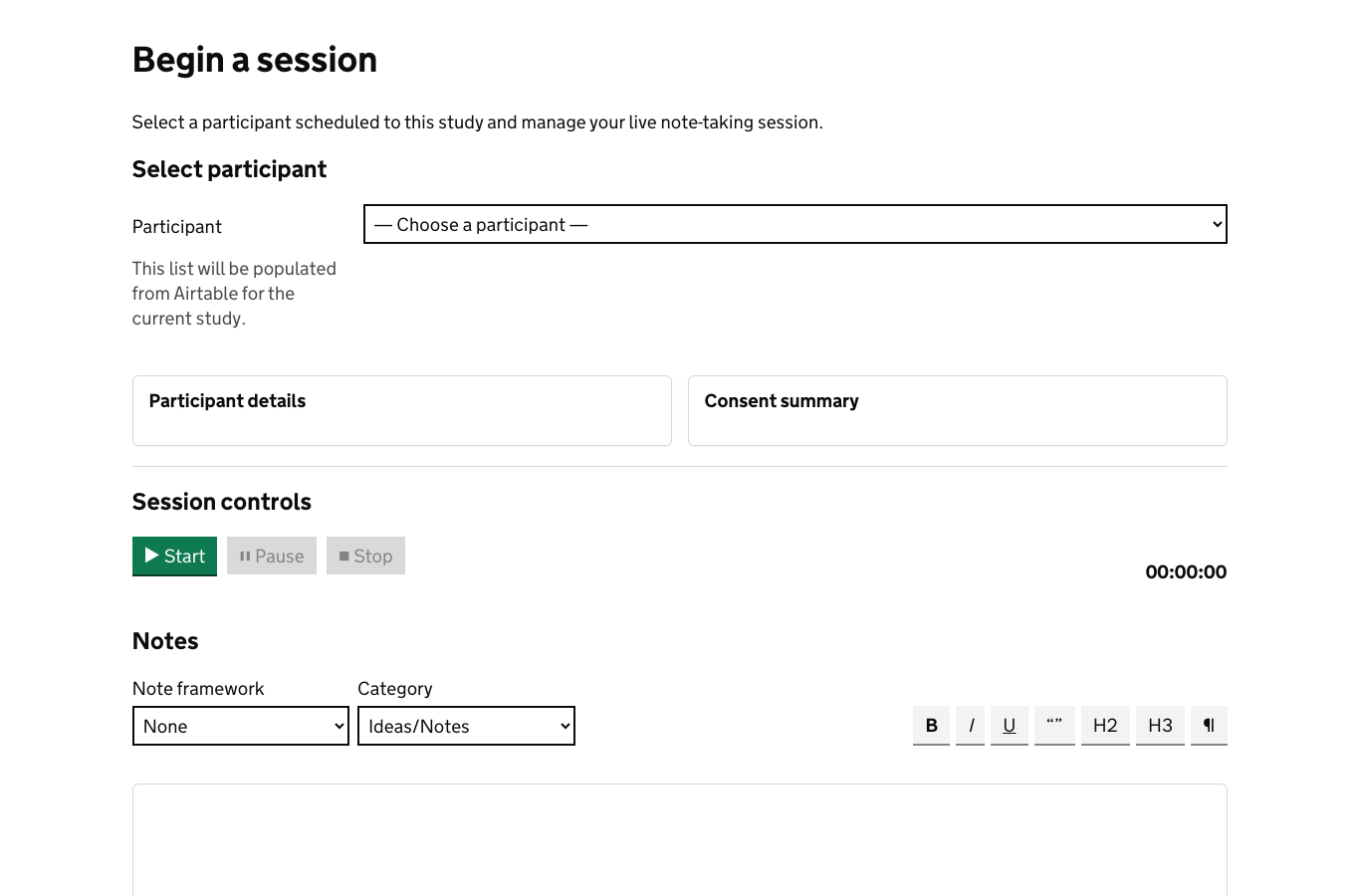
Mock screen: session evidence board
| Session | Consent | Evidence |
|---|---|---|
| P-104 | Recorded | 5 observations, 2 quotes, 1 support need |
| P-109 | Recorded | 4 observations, 1 quote, upload barrier tagged |
What this proves
- evidence is captured against the study and consent state
- raw notes remain protected while public proof can still show the workflow
- observations are structured early enough to support synthesis later
| Decision the screen supports | Decision made in this example | Options available but not selected |
|---|---|---|
| Select the evidence type | Capture observations, quotes, support needs and upload barriers against each session. | Attach a full transcript, upload screen recordings, mark the note as observation-only, or hold material back pending consent confirmation. |
| Apply consent state | Record consent before evidence is connected to the study. | Restrict quote reuse, exclude recording reuse, anonymise immediately, or block evidence from synthesis until withdrawal windows pass. |
| Classify sensitivity | Keep raw notes protected and expose only workflow proof publicly. | Flag special-category data, mark material as team-only, request curator review before synthesis, or delete material after extraction. |
Synthesise findings
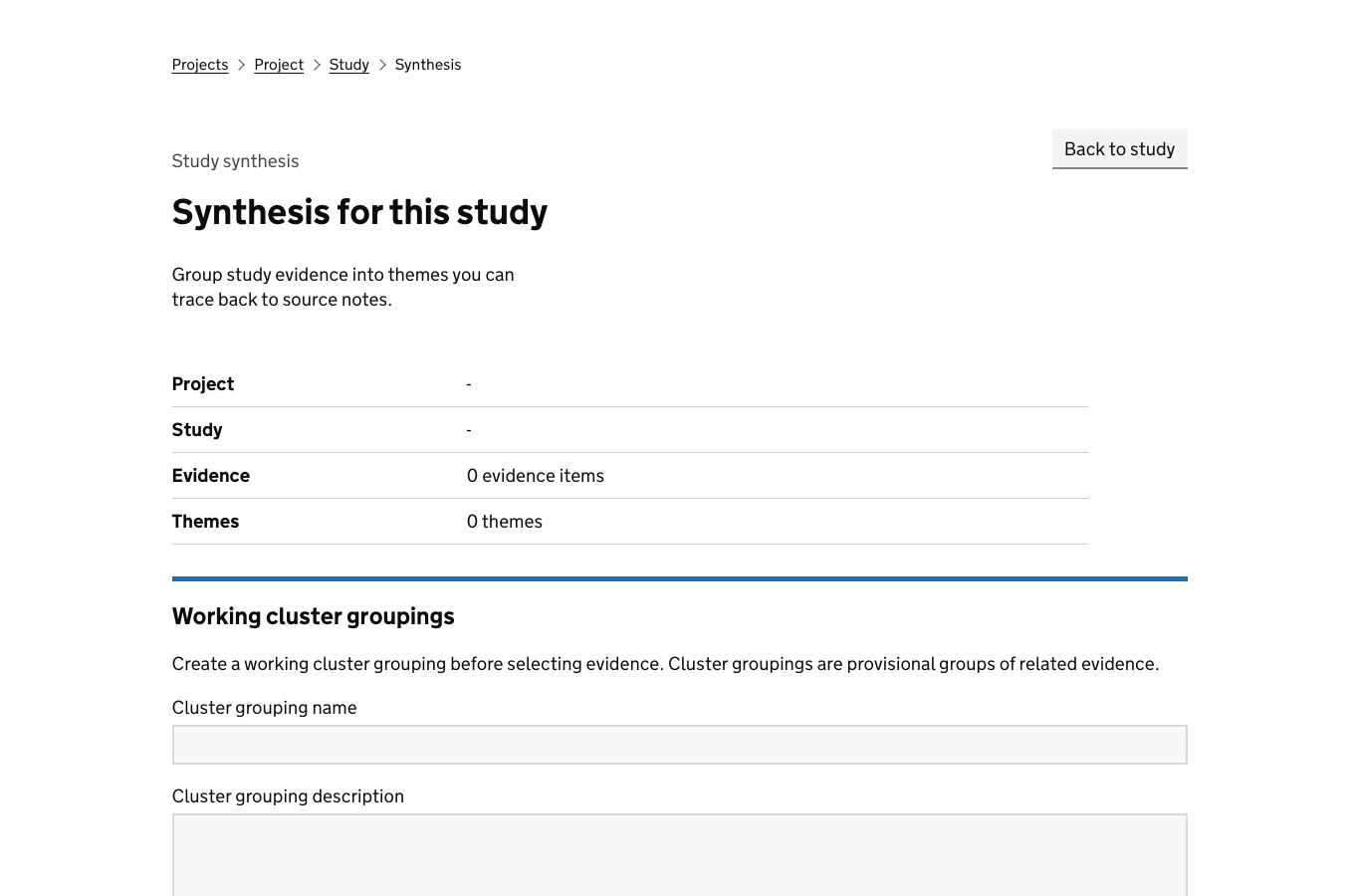
Mock screen: synthesis workspace
- Theme
- Users cannot tell which evidence format will be accepted.
- Finding
- Unclear upload guidance increases assisted digital calls and repeated submissions.
- Evidence links
- 9 observations, 3 quotes, 2 failed upload attempts.
What this proves
- findings retain a visible evidence basis
- themes, findings and recommendations do not become detached from research sessions
- teams can see the strength and limits of what was learned
| Decision the screen supports | Decision made in this example | Options available but not selected |
|---|---|---|
| Group evidence into a theme | Theme evidence around uncertainty about accepted accessibility evidence formats. | Split into separate content, upload and assisted digital themes, or leave the evidence ungrouped until more sessions complete. |
| Set finding confidence | Treat the finding as usable with visible evidence links and limits. | Downgrade confidence because of sample size, require another research round, or mark the pattern as project-only. |
| Choose recommendation direction | Recommend clearer accepted-format guidance before the file picker. | Recommend removing the upload step, changing eligibility policy, adding assisted digital triage first, or running quantitative validation. |
Prepare a repository candidate
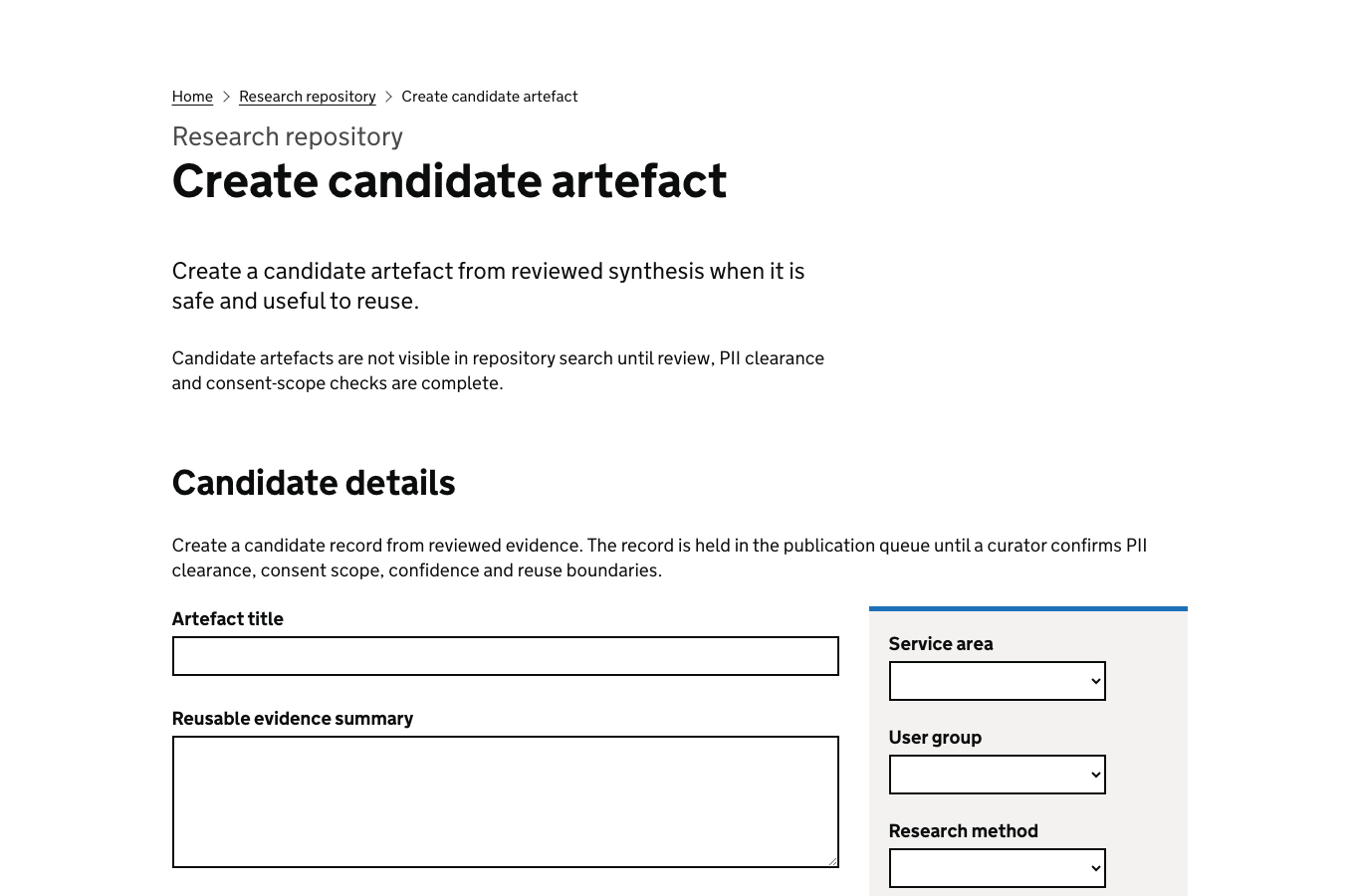
Mock screen: repository candidate
- Candidate title
- Upload guidance must explain accepted accessibility evidence before the file picker.
- Reusable for
- Eligibility journeys, document upload, assisted digital support.
- Safety check
- No participant identifiers
What this proves
- reusable learning is prepared separately from raw evidence
- publication starts with provenance, safety and reuse context
- teams can decide what should be reused beyond the original project
| Decision the screen supports | Decision made in this example | Options available but not selected |
|---|---|---|
| Decide what becomes reusable | Promote the learning about accepted evidence guidance as a repository candidate. | Promote the whole study, publish only a recommendation, keep the finding project-local, or merge it into an existing repository artefact. |
| Set reuse taxonomy | Tag the candidate for eligibility journeys, document upload and assisted digital support. | Tag for accessibility testing only, policy design only, forms patterns, or service support operations. |
| Apply publication boundary | Confirm no participant identifiers before review. | Require redaction, restrict to internal reuse, request information assurance review, or reject publication because provenance is incomplete. |
Curate and review
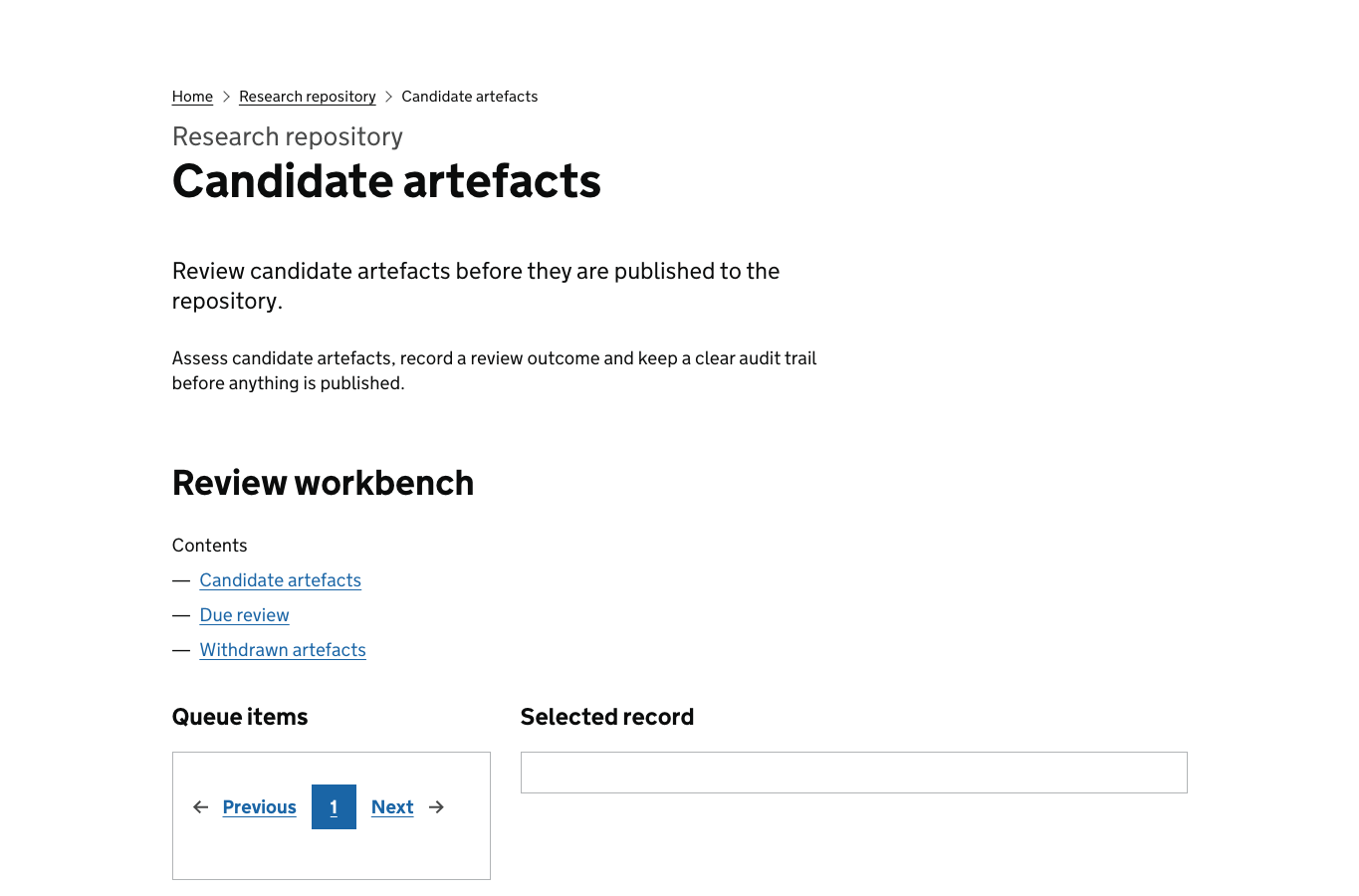
Mock screen: curator review
| Provenance | Study, sessions and finding linked |
|---|---|
| Limitations | Small sample; accessibility needs oversampled by design |
| Reuse guidance | Use for upload journeys where users must prove eligibility |
| Review status | Approved for publication |
What this proves
- publication is governed rather than automatic
- limitations and confidence travel with the finding
- curators can stop unsafe or weak evidence before it becomes reusable
| Decision the screen supports | Decision made in this example | Options available but not selected |
|---|---|---|
| Approve or stop publication | Approve for publication after provenance, limitations and reuse guidance are checked. | Return to researcher, request more evidence, reject as unsafe, or publish only to a restricted team space. |
| Set limitations and confidence | Record a medium-confidence pattern with small-sample limitations. | Mark low confidence, require quantified validation, mark high confidence for service-wide reuse, or add a stronger limitation about oversampling. |
| Choose reuse guidance | Allow reuse for upload journeys where users must prove eligibility. | Limit reuse to the original service, include only content-design reuse, or block reuse for policy decisions. |
Publish reusable evidence
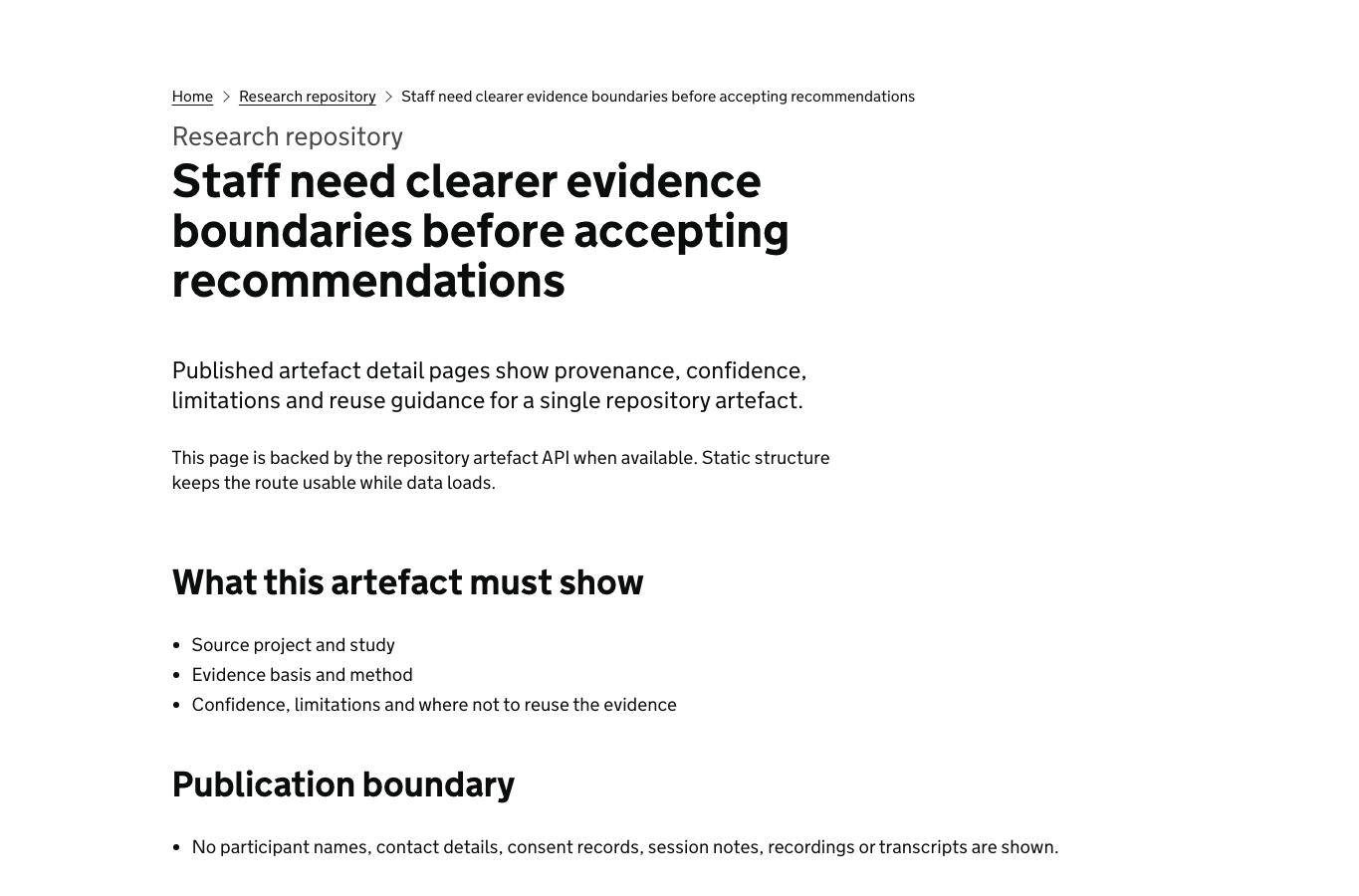
Mock screen: published repository artefact
- Published title
- Accepted evidence guidance reduces repeated assisted digital contact.
- Confidence
- Medium: consistent pattern across 2 rounds, limited sample size.
- Reuse note
- Apply when services ask users to upload supporting evidence before triage.
What this proves
- other teams can reuse learning without seeing raw research material
- confidence and limitations remain visible at the point of reuse
- the repository becomes an accountable product surface, not a document dump
| Decision the screen supports | Decision made in this example | Options available but not selected |
|---|---|---|
| Choose visibility | Publish a reusable artefact without raw research material. | Publish internally only, keep in draft, withdraw from search, or restrict visibility to service-area teams. |
| Set reuse conditions | Allow reuse where services ask users to upload supporting evidence before triage. | Require curator approval before reuse, limit reuse to assisted digital journeys, or mark as background evidence only. |
| Connect related evidence | Show confidence, limitations and provenance at the point of reuse. | Hide confidence from public view, link only to the recommendation, or require sign-in before provenance can be inspected. |
Track decision impact
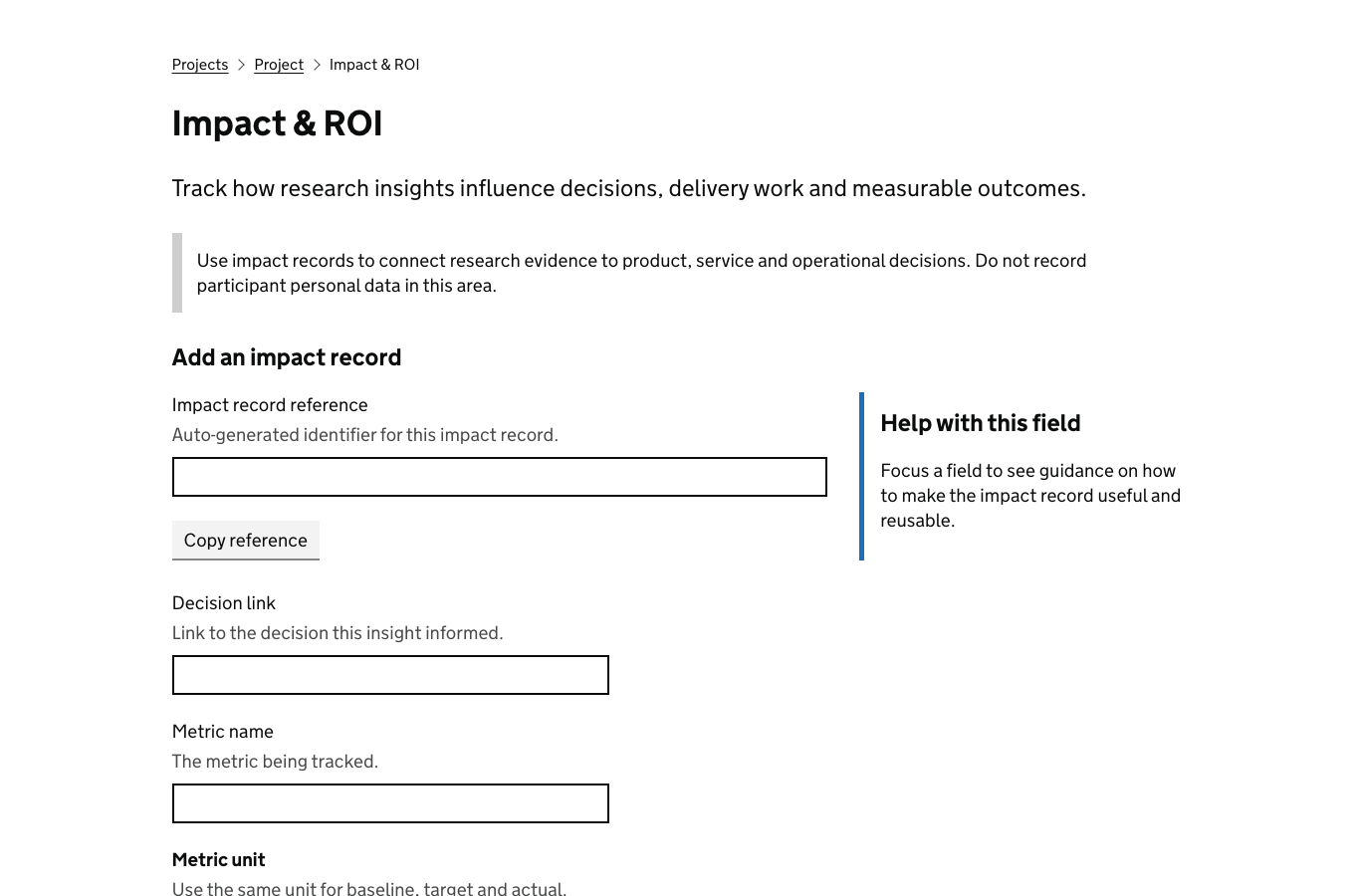
Mock screen: decision impact tracker
| Recommendation | Decision | Outcome |
|---|---|---|
| Show accepted formats before upload | Accepted for alpha backlog | Repeated upload support calls down 18% in pilot |
What this proves
- research recommendations can be followed through to delivery decisions
- impact is recorded against outcomes, not only activity
- leadership can see which research changed the service
| Decision the screen supports | Decision made in this example | Options available but not selected |
|---|---|---|
| Accept, reject or defer the recommendation | Accept clearer accepted-format guidance into the alpha backlog. | Reject as out of scope, defer until policy changes, run another research round, or create a separate operational-support action. |
| Choose impact measure | Track repeated upload support calls, which fall by 18% in the pilot. | Track task completion, call duration, complaint volume, failed uploads, or staff confidence with assisted digital scripts. |
| Record delivery follow-through | Connect the research recommendation to an alpha backlog decision. | Close with no action, assign to content backlog only, escalate to service owner, or reopen because impact evidence is inconclusive. |
What this public walkthrough does not show
- raw participant notes, transcripts or contact details
- unreviewed project material or restricted team context
- live repository records from authenticated systems
- background calls to repository, project or collaboration endpoints
Use ResearchOps with your team
Request access if you need to use ResearchOps with a team. Start the journey if you already have access and want to create a research project.